
The Rundown
The Rundown is our ongoing series where we break down the core knowledge of digital marketing, websites, and online business. These are the things professionals in the industry deal with every day, but that many business owners rarely get a clear explanation of.
From domains and DNS to SEO and advertising, we cover the fundamentals that help you better understand how your digital presence actually works. No fluff, no jargon, just the essential concepts every business owner should know.

Authenticity is key for small business success. Build trust & connect with customers. Contact us to enhance your marketing strategy!

Not every page on your website has the same job. While your Home page, About page, and Services pages help visitors explore your business, a landing page is designed with a single goal: to get someone to take action. Whether you're running Google Ads, a social media campaign, or an email promotion, sending visitors to a dedicated landing page often leads to better results than sending everyone to your Home page.

We've all been there: you click a website link, wait a few seconds...and leave before it finishes loading. Your customers do the same thing. Website speed isn't just about convenience. It affects how people experience your website and even how Google ranks it in search results.
If another website links to yours, that's called a backlink . Think of it as a vote of confidence. When reputable websites mention and link to your business, it signals to Google that your website is trustworthy and worth showing to more people. Backlinks are one of the most well-known parts of Off-Page SEO because they come from outside your website.
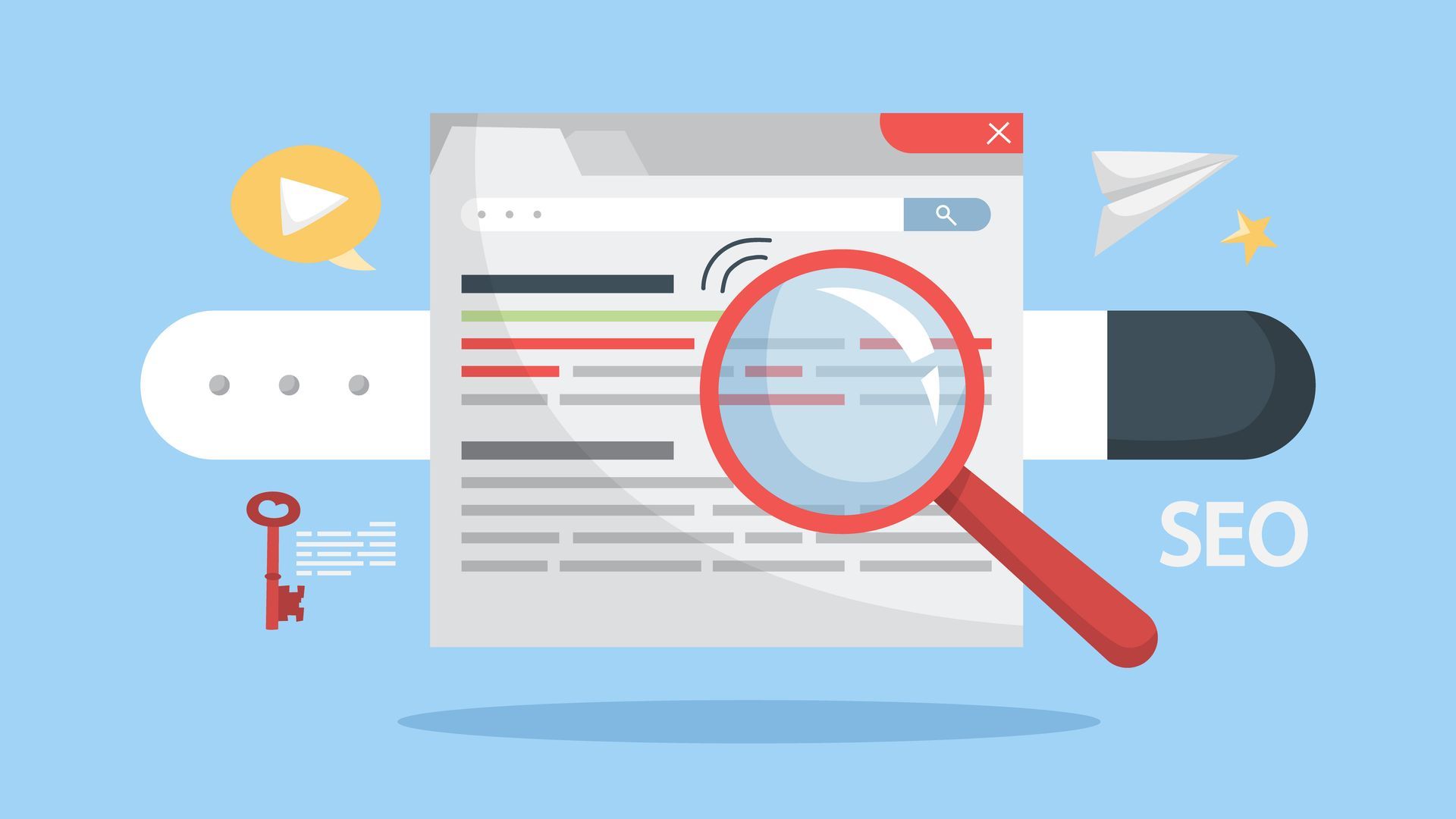
Search engine optimization, or SEO, is often talked about as one thing, but it actually includes several different types of work. Two of the most important are on-page SEO and off-page SEO . Both influence how your website performs in search results, but they focus on different parts of your online presence. What Is On-Page SEO? On-page SEO refers to everything you optimize directly on your website to help search engines understand your content. This includes things like: Page titles and meta descriptions Headings and page structure Keyword usage in the content Internal linking between pages Image optimization and site speed The goal of on-page SEO is to make your website clear, organized, and easy for search engines to understand. What Is Off-Page SEO? Off-page SEO refers to signals that happen outside of your website but still influence how search engines evaluate it. The most common example is backlinks , which are links from other websites pointing to yours. When reputable websites link to your business, search engines see that as a sign of credibility. Off-page SEO can include: Backlinks from other websites Business directory listings Local citations Online mentions of your business Why Both Matter A well-optimized website is important, but it is only part of the picture. Search engines also look for signals that your business is trusted and referenced elsewhere online. Strong SEO typically comes from a combination of both a well-structured website and credible external signals.
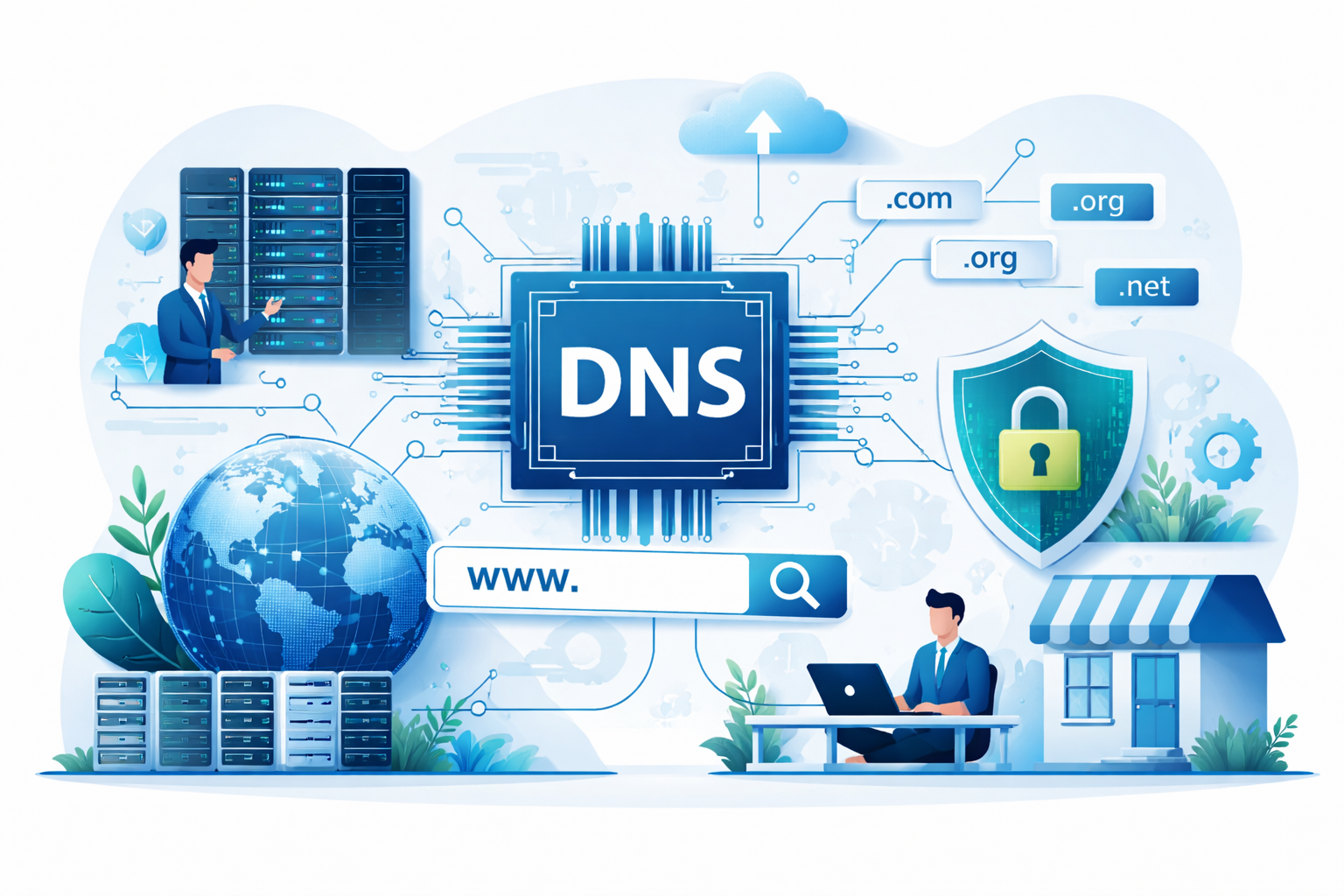
Most business owners only hear about DNS when something stops working. It sounds technical, but the concept is actually straightforward and extremely important to understand. DNS is the system that tells the internet where your website, email, and other services live. More importantly, whoever controls your DNS effectively controls access to your online presence. That is why every business owner should make sure they own their domain and have access to their DNS settings. What DNS Is DNS stands for Domain Name System. Think of it as the internet’s phonebook. When someone types your website address into a browser, like www.yourbusiness.com , DNS translates that domain name into the numerical IP address where your website is hosted. Once the correct server is found, the website loads. Without DNS, people would have to type long strings of numbers instead of simple domain names. What DNS Controls DNS does more than just point visitors to your website. It also directs other critical services connected to your domain, including: Your website hosting Your business email Subdomains like blog.yourbusiness.com Verification records used by tools like Google or Microsoft In short, DNS acts as the traffic controller for many parts of your digital infrastructure. Why Business Owners Should Care One of the most common problems businesses run into is losing access to their domain or DNS because it was registered under a developer, agency, or former employee. When that happens, you may not be able to: Move your website to a new provider Change email services Connect marketing tools Fix website or email issues Your domain and DNS act as the gateway to your entire digital presence. If you do not control them, someone else does. What Every Business Should Do Every business owner should make sure of three things: Your business owns the domain name You know where it is registered and have login access You can access the DNS settings if needed Even if a developer or marketing agency manages things for you, the account should always belong to the business.
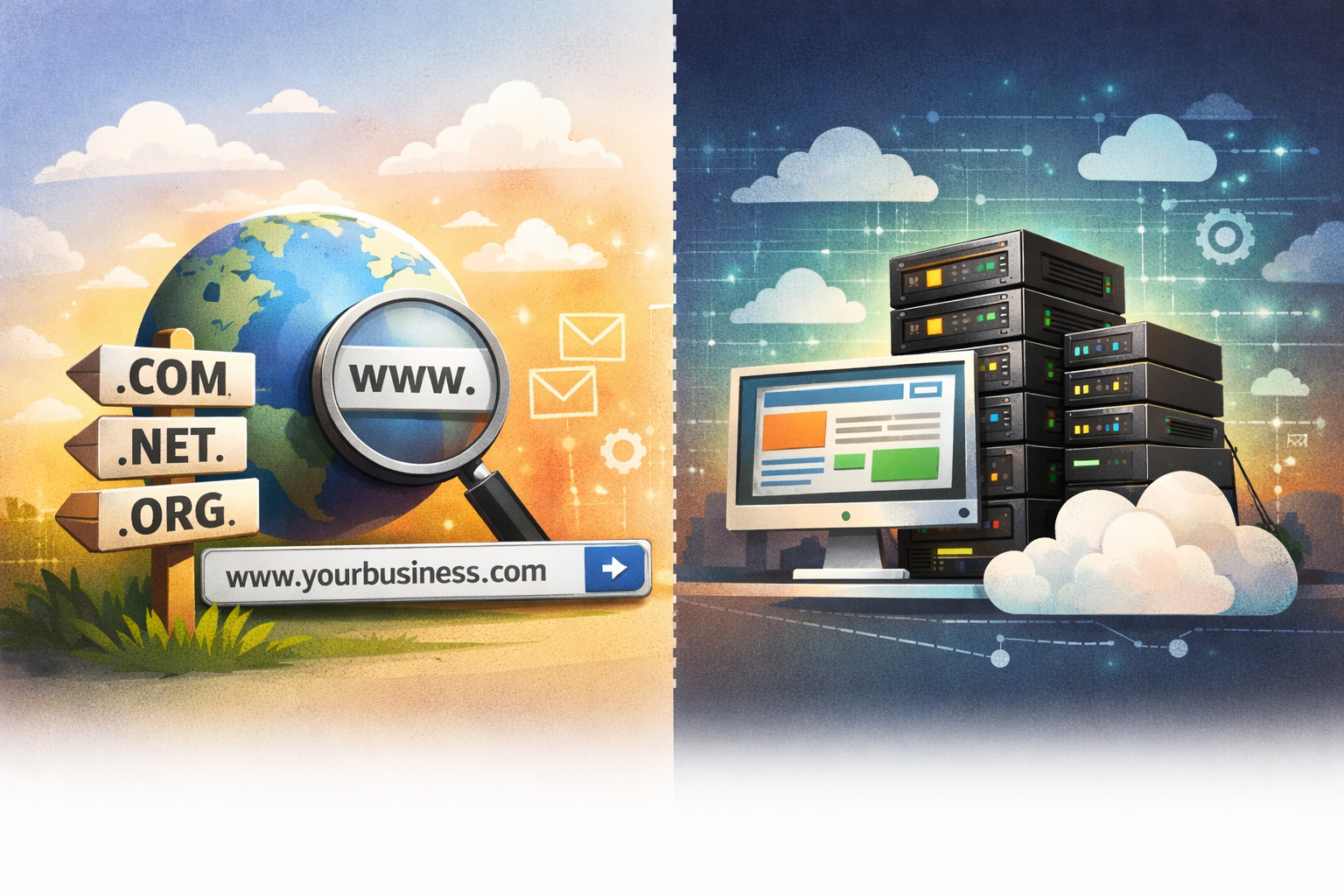
If you've ever worked on your business website, you've probably come across the terms "domain hosting" and "web hosting" . They often sound similar, and many people assume they refer to the same thing. In reality, they serve two very different roles in how a website works. The good news is that the difference is easy to understand once you see how the two pieces fit together. A Simple Way to Think About It A helpful comparison is to think of a website the same way you would think about a physical location. Your domain name functions like the address, while your web hosting is the building located at that address. Both are necessary. Without an address, people would not know where to go. Without a building, there would be nothing there when they arrive. Your Domain Name: The Address Your domain name is the web address people type into their browser when they want to visit your website. It might look something like yourbusiness.com . Just like a street address helps people locate a home or office, your domain name helps visitors locate your website on the internet. Its job is simply to point people in the right direction. On its own, the domain does not contain your website. It is simply the address that leads visitors to where the website is stored. Web Hosting: Where Your Website Lives Web hosting is the service that stores your website and makes it available online. It is where all of the files that make up your website are kept, including your pages, images, and contact forms. When someone enters your domain name into their browser, the domain directs them to the server where your website is hosted. The hosting server then loads the website so the visitor can view it. In other words, web hosting is where your website actually lives. How They Work Together When a visitor goes to your website, a few simple steps happen behind the scenes. They type your domain name into their browser. The domain points their browser to the correct server, and the hosting server sends the website files back to the visitor’s screen. Within a moment, the website appears. This process relies on both the domain and the hosting working together.