Get "Guaranteed" with Google's new program and gain competitive edge
Program is designed to protect consumers, plus give businesses higher ranking in website search
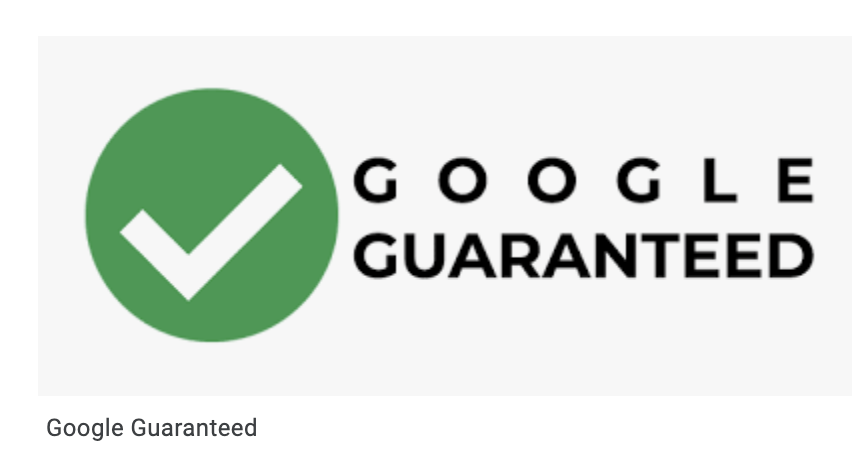
Imagine if you could have the power of Google behind your business. That’s the idea behind a new service Google is offering called “Google Guaranteed.” It’s a way of guaranteeing local service contract work that customers can find through the Google search engine. It also helps contractors streamline their advertising efforts. But ultimately, it was designed to protect consumers from scams.
For example, if you’re having trouble with a clogged sink in the kitchen. You call a plumber with a website manipulated to look like it has good reviews but this call is re-routed to an offshore call center. A plumber arrives and does a lousy job and hands you a huge bill. You thought the plumber was certified but the website proves to be a facade.
The google Guaranteed program works to provide another layer of protection against scammers. It can also help the customer get their money back.
Here’s a look at ways it’s beneficial for both businesses and consumers.
How does Google guarantee work?
Businesses certified with the Google Guarantee will appear at the top of the search page, above their competition. An easily visible green check mark will also be featured next to the business name. It gives the businesses an advantage when placing their ad on the top, making them accessible and highly visible.
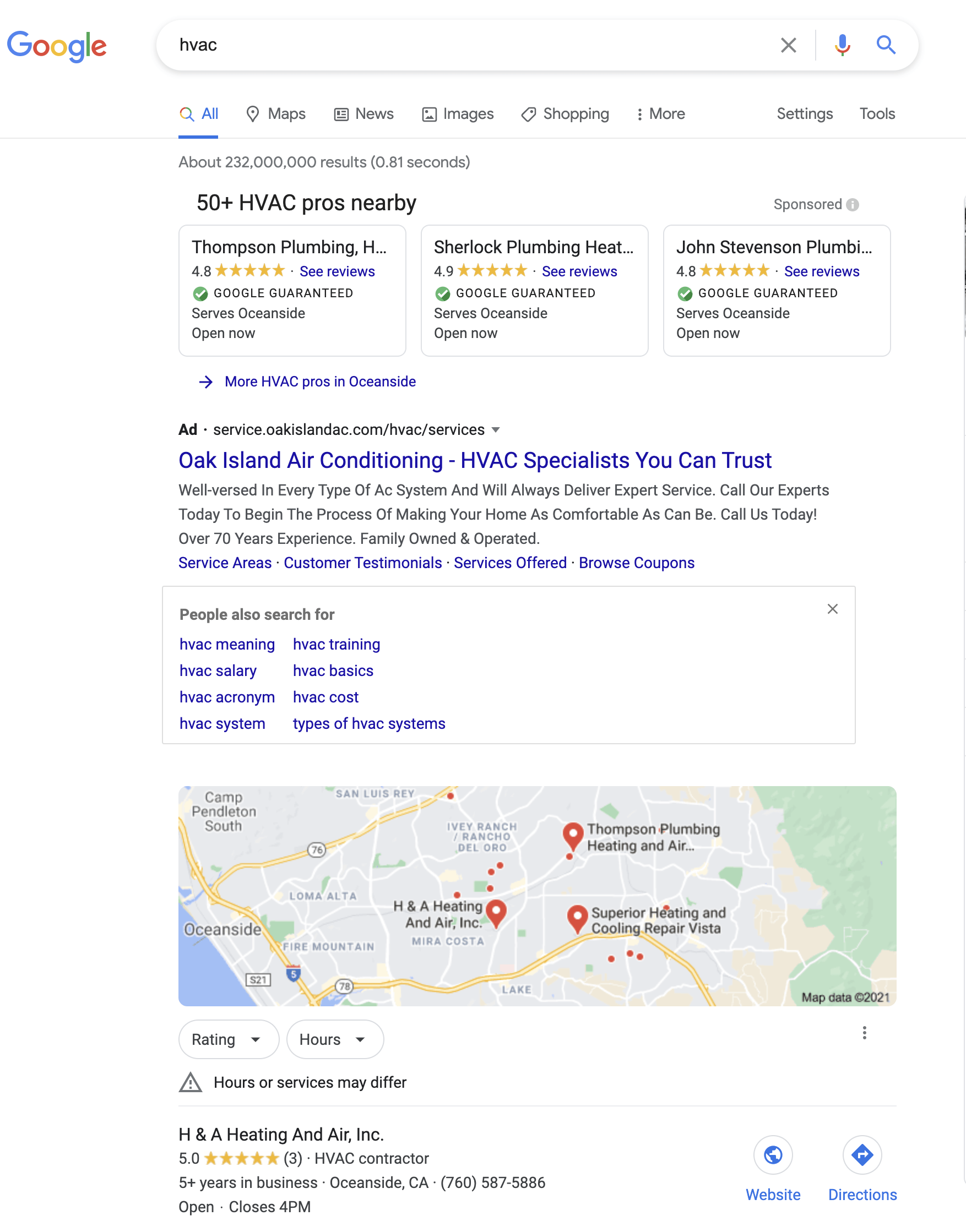
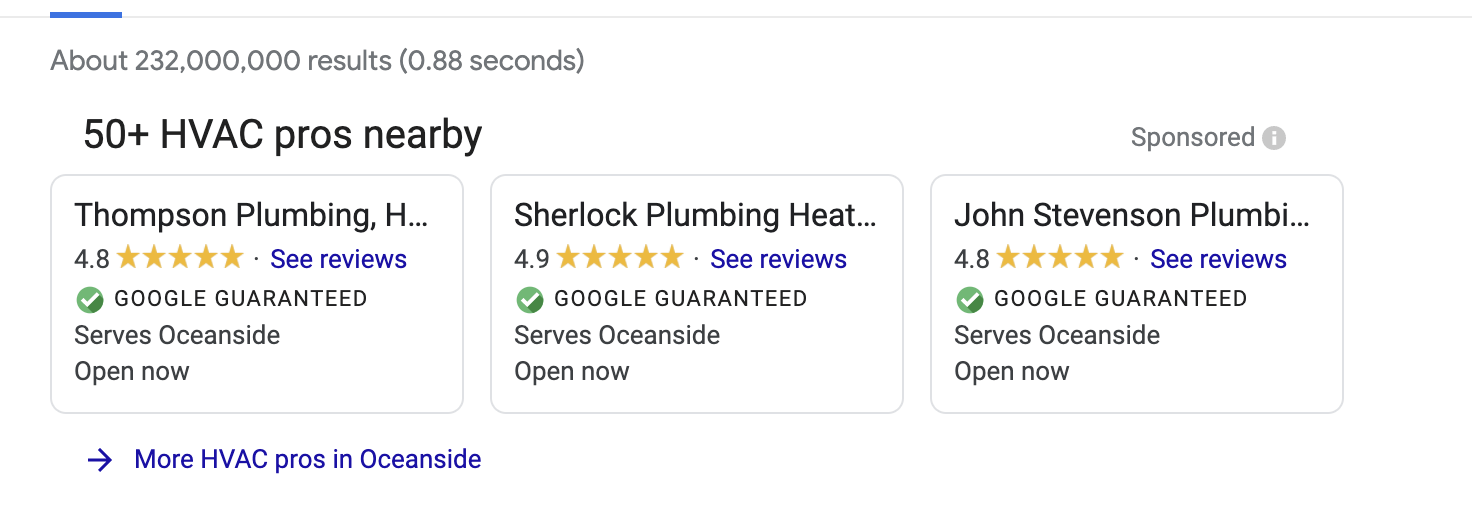
To avoid illegitimate businesses and claims, Google checks the business license, insurance, and online reviews. The screening process is free. The owner’s background is checked and other employees’ backgrounds may be checked as well.
What does Google guarantee?
According to
Google support, if your business is backed by Google Guarantee and your customers who were attracted to you through local services ads aren’t satisfied, Google may reimburse the customers up to the full amount for the service.
Why did Google start the Guarantee program?
Google is fighting back against fraud with an advanced verification process for many types of contractors who may not be certified yet still working in their field. Consumers need to turn to a search engine they can count on and Google is working to provide quality results that will assure confidence. For customers, if you have a problem and need to have it fixed fast, a reputable service provider is listed at the top of the search results.
How much does it cost to be Google Guaranteed?
The listing is 100% free. However, there is a difference between Google Guaranteed and Google search ads, namely the cost per click versus cost per contact.
With Google search ads you pay for web traffic versus Google Guaranteed you pay for a customer to contact you. It works when someone calls the business or submits a form, however with Google local service ads you get charged when a person clicks your ad on the web.
When the program
initially rolled out in Canada in 2018, business owners liked the idea of having the special designation of being “guaranteed.” It provided leads at a predictable cost and the “guarantee” is a key differentiator against the competition. The total cost of Google Guaranteed is relatively low compared to Google Local Services according to business owners who have used the service.
Is Google Guarantee right for your business?
The program is only offered to a select number of industry types. Whether Google Guaranteed is right for you depends on how competitive your business is and whether your business generates revenue through the search engine. However, it proves to be advantageous for local businesses looking to spend more time running their business rather than worrying about pay-per-click search marketing. Keep in mind, If you are unlicensed and in an industry where licenses are expected, don’t expect to get Google Guaranteed. Also, if you are averaging less than a 4-star in quality, don’t expect to gain much business from the program.
How do I get started?
If you are interested in starting Google Guarantee contact GoBeRewarded by
clicking here or calling us. The program can be activated in a relatively short amount of time. It can also be a beneficial addition to your digital marketing strategy and help increase your online presence.