
Bulk URL Redirect
URL redirects are important for SEO and for ensuring a great user experience. With the newest URL redirect improvement, you’ll save time and resources with multiple URL redirect upload (up to 200 URLs at once) and immediate validation. You’ll also be able to define whether it’s a permanent (301) or temporary (302) redirect.
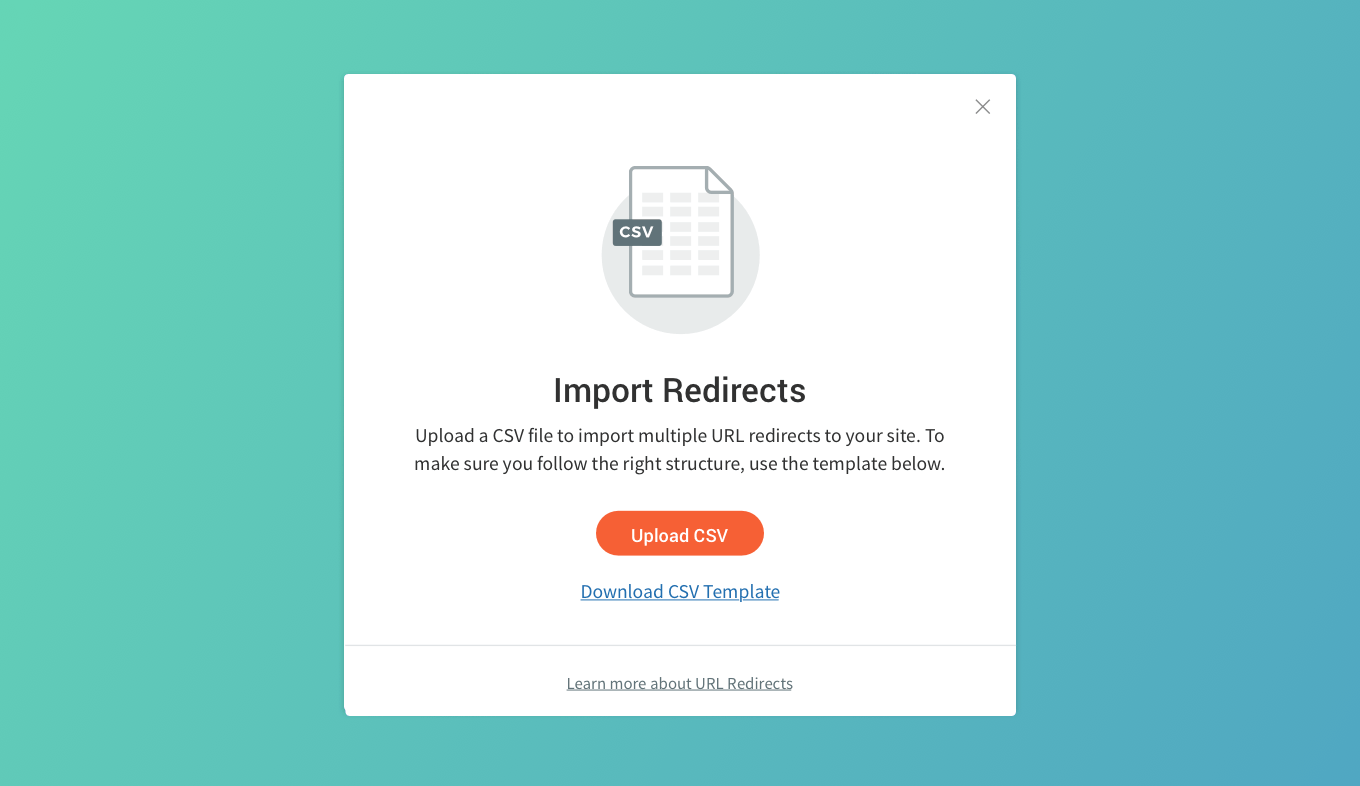
Import multiple redirects & define redirect types
The new URL redirect capabilities enable the following:
- Save time and resources by redirecting up to 200 URLs at once
- Immediate validation: If there’s an error, we'll be notified right away, so we can fix it and try again.
- We can choose between 301 (permanent) and 302 (temporary) redirects
Redirecting URLs: Easy & Important
URL redirects enable you to reroute traffic from old URLs to new ones, so no traffic is lost. In other words, if someone tries to reach a URL that’s no longer part of your site (for one of the reasons described below) you can ensure that they reach another page that you define.
There are many situations when you’ll want to change the URL of a site page, and you’ll need a redirect to ensure that people don’t reach an old URL that no longer exists. For example, you may:
- Restructure a site
- Redesign a site
- Fix a typo in the URL
- Fix a dead link
- And more
By redirecting the URL, you control where the user arrives, for a smooth, positive user experience.
Originally posted at Duda.co