Successful Facebook Offers For Local Businesses
Growing your business with Facebook Offers is easy! Learn what they are, how they work & our secret recipe for successful offers.
What is a Facebook Offer?
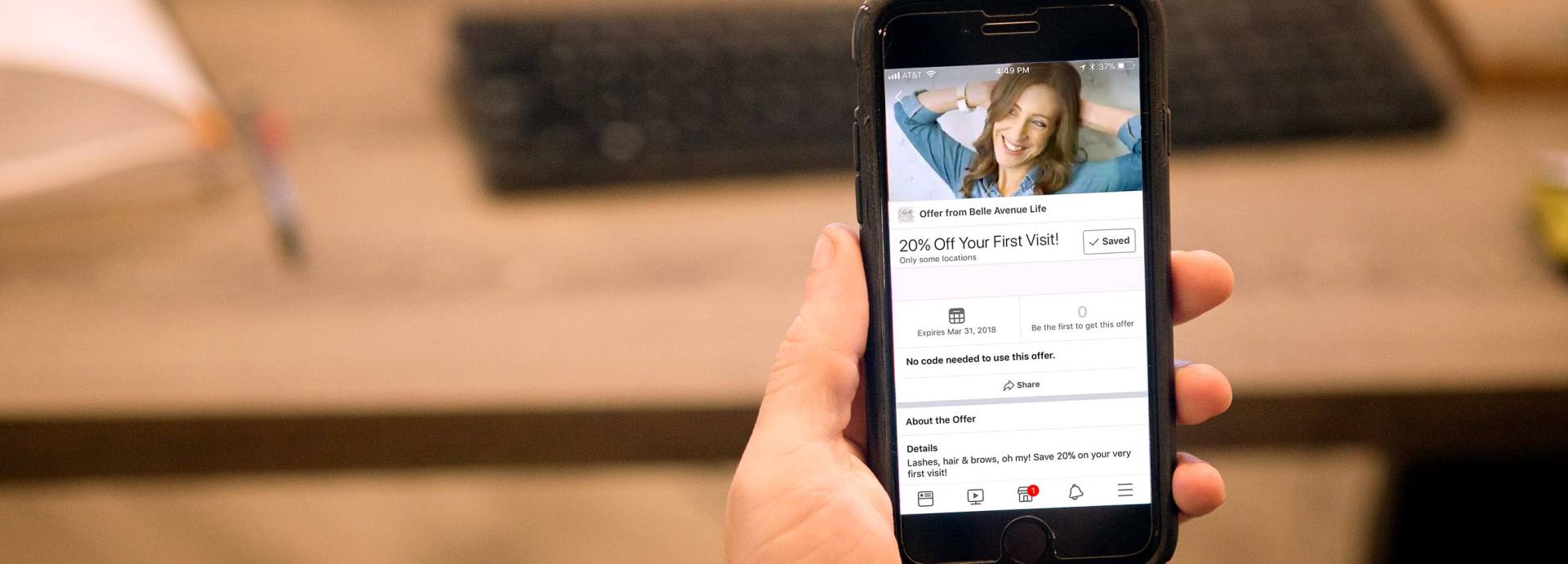
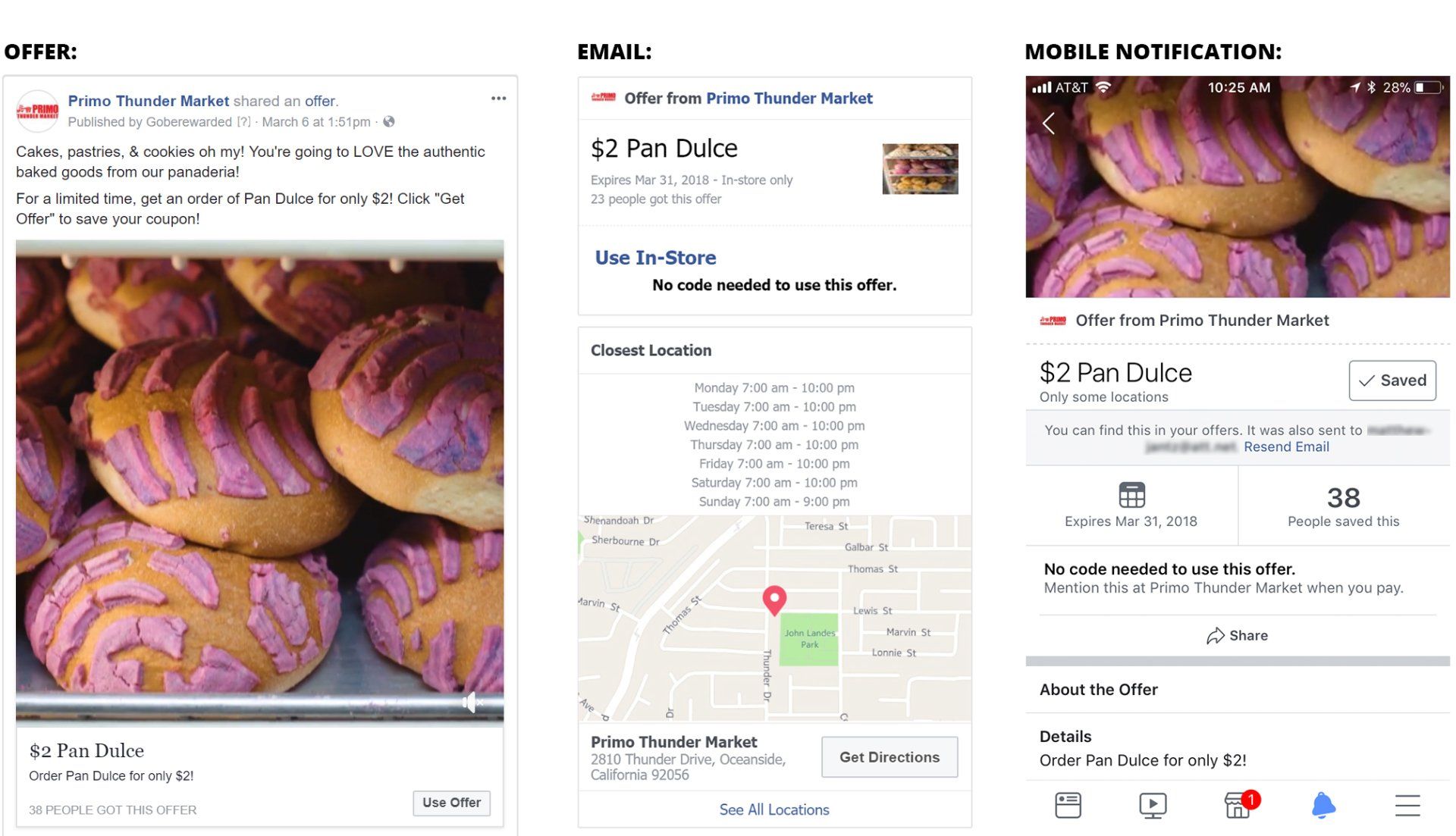
A Facebook Offer is a coupon created to be shared exclusively on Facebook. Any administrator of a business page can create an offer and post it to their business page. Offers are meant to drive online and/or in-store sales. Offer appear in the news feed placement & when someone sees it and chooses to save it, it'll be saved to their offers bookmark. Then they'll automatically get notifications about your offer before it expires. When someone wants to redeem an offer, they can find it in their offers bookmark & follow the redemption instructions.
Why should my business be using Facebook Offers?
They're FREE to create.
Making an offer & pinning it to your business page is absolutely free! There's no downside to trying an offer - the least it could do is nothing, & if no one claims your offer, you can learn from the experience, start over, & create another offer with a better incentive.
Your fans LOVE them.
Fans love being rewarded for following your company online & creating consistently strong offers is a great way to show them that you appreciate it. The more people that save your offer, the more people will see it. And at the end of the day, offers generate sales opportunities.
People who save it get reminders.
When a Facebook user saves your offer, they receive an email detailing the offer, a notification on the Facebook mobile app whenever they're nearby your business reminding them to use the offer, and an additional email communicating that the offer is about to expire. These 3 touch-points are absolutely free & can remind a customers to take advantage of the offer they were interested in.
Tips for making GREAT offers
Make discounts substantial. If you want your followers to go out of their way to visit yur business, it better be worth their time & gas money. Giving $2 off a $20 purchase or 10% off coffee just won't won't move the needle for your business. Substantial discounts perform better in general - consider offering free items with a purchase or offering discounts of at least 20% because they typically reach more people than offers of lesser value & get claimed more often.
Use an engaging image or video: Photos or videos of people using a product often perform better than photos of a product by itself. Your followers use Facebook as a way to engage with products & services that compliment their lifestyle & showing someone use the product adds context to your creative.
You don't NEED copy or a logo in your creative. Facebook posts with little to no copy generally perform better than ones that do. In fact, Facebook's algorithm may flag your post with a low quality score which means it won't be seen by many of your followers. Your Page's profile picture will show next to your offer in most places on Facebook so there's no need to add your logo to the creative.
Set a reasonable expiration date: Timely offers are a great way to give people a sense of urgency but you want to give people at least a few days to see & claim an offer, and allow time for your offer to be shared among friends on Facebook. The ideal length of an offer is between 7 days & 1 month.
Promote your offer: If you're going to build a great offer, make sure potential customers on Facebook see it by boosting your offer post or by creating an ad in your business manager account. This allows you a great opportunity to grow your customer base & turn a potential customer into a strong brand advocate that returns to your business again & again.
Take advantage of descriptions, terms, & conditions:
Don't have your offer title be too convoluted or wordy - leave that for the description & fine print. Your offer can be something easy like, "Save $10 when you spend $50 or more". In the description & fine print, you can mention specifics & exclusions. An example description would be, "Save $10 the next time you spend $50 or more on brands X, Y & Z". Example fine print can read "Can only be used in-store & cannot be combined with additional discount, promotions or sales".
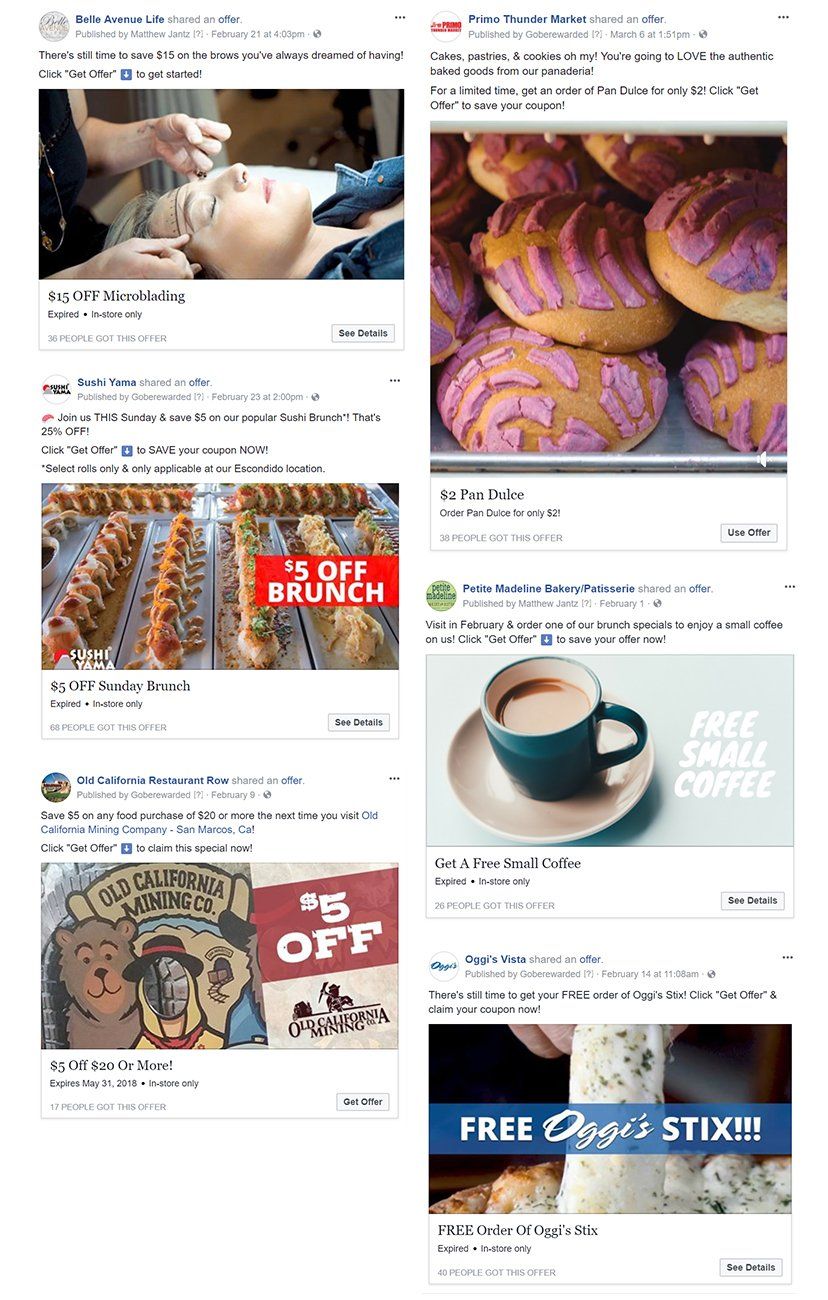
Check out some of our most recent offers
Learn More About Offers